Documentation
Learn how to use Shennian.
Machine sharing
Let someone you trust use AI tools on one of your computers. Sharing a computer is different from inviting someone to a room.
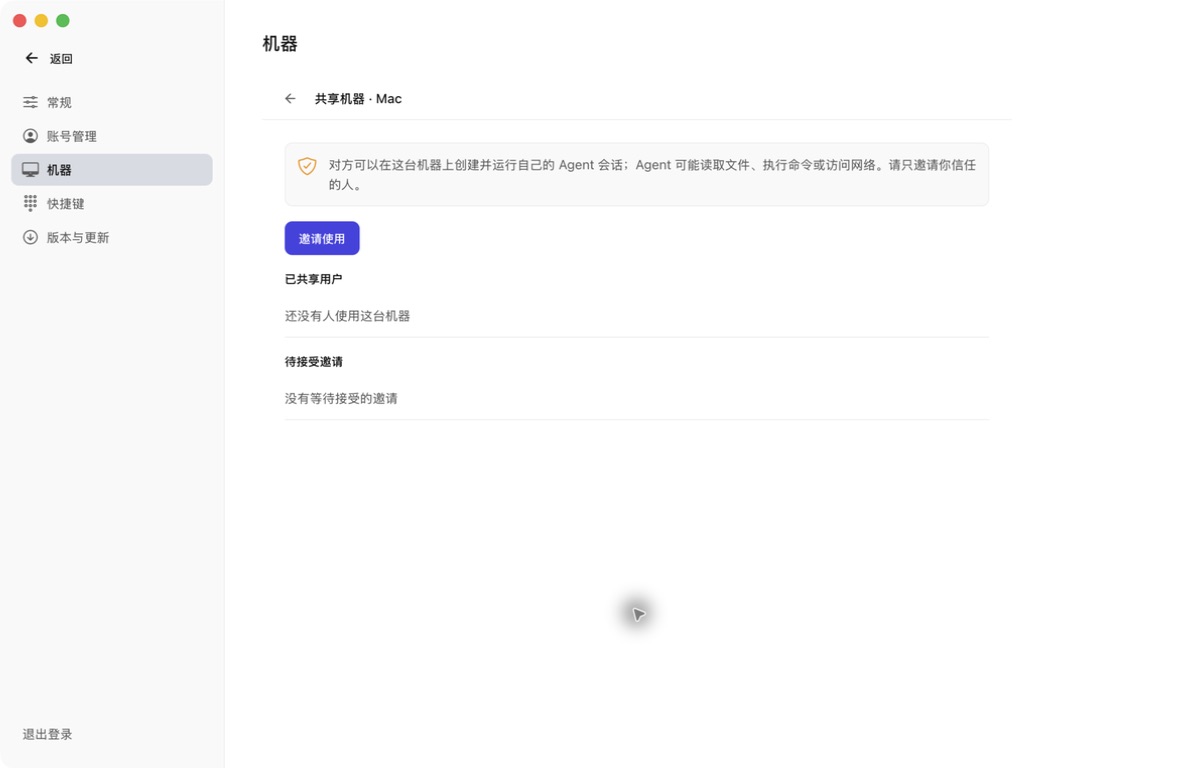
- From machine details, open Share machine and choose Invite. Select an expiry and send the link or QR code to someone you trust.
- The recipient opens the invitation, signs in and accepts. If needed, follow the invitation page to install the app.
- The recipient can see this computer and its AI status and start or continue their own sessions. They cannot manage the owner’s computer, view other people’s sessions or share access onward.
- The owner can cancel a pending invitation or revoke a recipient at any time. Revocation and expiry block later access but cannot recall files already saved by the recipient.
This is whole-computer trust, not an isolated guest folder. AI tools may read local files, execute commands and access the network under their own permissions. Use separate computers or virtual machines for work with different confidentiality requirements.